
 Operations workflow0:05“I use Sonavi to capture client updates between meetings before the details disappear.”Daniel WeberOperations Lead, Field Services
Local AI dictation for Windows
Type less. Say more.
Free dictation. Press a hotkey, speak, and paste text anywhere
Preparing voice experience…
Speech processed locally on your PCWorks offline No cloud processing
Everything you need for fast, private transcription
Capture speech anywhere on your computer, turn it into text instantly, and keep your transcripts secure on your device.
Works anywhere you type
Speak into the apps you already use
Sonavi turns your voice into text wherever there is a text field, so you can stop typing and keep working in the apps you already have open.
Replacewithdictation
 MS Teams
 MS Word
 MS Excel
 MS PowerPoint
 MS Outlook
 MS Copilot
 Zoom
Zoom Google Docs
 MS SharePoint
 MS OneDrive
 Slack
Slack Confluence
 Jira
Jira Notion
 Google Drive
User stories
How people use Sonavi in their daily workflow
Explore how people capture spoken ideas and turn them into polished writing without interrupting their workflow.
Operations workflow0:05“I use Sonavi to capture client updates between meetings before the details disappear.”Daniel WeberOperations Lead, Field Services Builder workflow0:05“Sonavi helps me turn rough spoken notes into usable project updates while I stay in flow.”Max BergerProduct Builder, Independent Studio
 Agency workflow0:05“Sonavi helps me capture candid architectural photography notes on site and turn them into polished client briefs.”Sofia KellerCreative Director, Architectural Marketing Agency
Writing speed
Turn thoughts into polished writing faster.
Compare slow manual typing with Sonavi-assisted dictation that turns the same thought into a more complete, professional message.
45 wpm
Sonavi assisted
3x faster150+ wpm
Offline by design
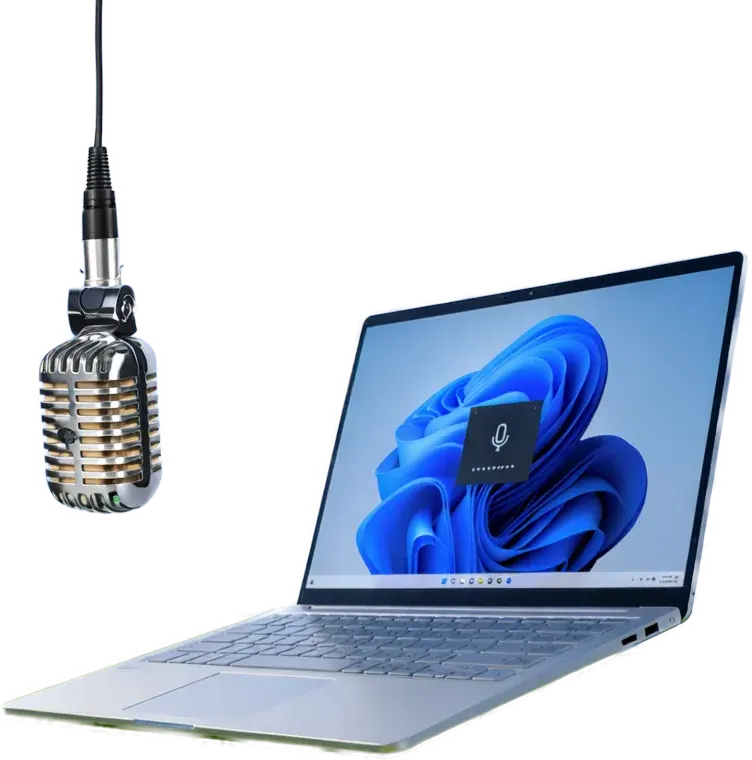
Works completely offline on your machine.
Sonavi runs locally on your Windows device, so dictation stays close to you instead of moving through a cloud transcription service. That local-first design gives your voice, notes, and sensitive work the highest level of privacy.

Quick launch
Press both keys together
Shortcut recognized
Why Sonavi
Turn your voice into finished text.
Get thoughts down before they disappear
Capture messages, notes, and ideas at speaking speed so you can stay focused on the work instead of fighting the keyboard.
Use AI dictation with more confidence
Sonavi is built for secure, local transcription on Windows, giving you a practical way to write faster while keeping your workflow close to your device.
Works where your day already happens
Dictate into the apps you already use for emails, documents, chats, and planning so every writing task feels lighter and easier to finish.
Ready when you are
One shortcut. Wherever you work.
Press Ctrl Space to activate Sonavi.
Early access download
Ready to try the latest Sonavi build?
Start the current installer directly, then use release notes and support for extra context as Sonavi keeps improving.
Early access gives you a first look at Sonavi while your feedback helps shape the path toward a polished public release.
FAQ
Questions before you try Sonavi
Where can I download Sonavi?
Use the download page to get the latest available Sonavi build. It is the recommended place to start.
How can I try Sonavi today?
Join the current early-access build and explore the transcription experience while Sonavi is still actively improving.
What can I find on this website?
This is Sonavi's public home for downloads, product information, release notes, and support resources.
Where can I see what changed?
Check the changelog for version-by-version release notes, including new updates, refinements, and current product guidance.